Can OpenAI Dots Run Production Workflows Safely?
OpenAI's dots chase goals around the clock. Production needs more than a goal: governed access, approval on every change, and an audit trail.

OpenAI launched dots at DevDay on September 29, and my first thought was the list of chores I'd hand mine. Each dot runs on GPT-6 Astra, works from its own cloud computer and browser, connects to more than 4,000 apps through plugins, and keeps working toward a goal for as long as the goal stands. You can message it from ChatGPT, Slack or Teams and watch its screen while it works. That is real progress for agents, and I'm looking forward to trying it out to write even more blog posts every week :)
My second thought was the goal every on-call engineer would love to hand a dot: "Please keep production healthy." That is not the same scope of task as "Please organize my invoices daily." So can OpenAI dots run production workflows safely? A goal statement alone won't get them there. Any company that lets agents work in production needs a platform that governs what those agents can reach and makes what they do there safe. Goals are a great interface for an inbox. Production needs structure.
What did OpenAI ship with dots?
Dots are always-on agents that pursue a goal across apps without a human issuing each step. They are rolling out to ChatGPT Pro and Business Premium users, with a beta for Enterprise, Edu and Healthcare workspaces that an administrator switches on, per The Next Web and Runtime Wire. The examples from launch are knowledge work: one early tester's dot spotted a freelance invoice in an email thread and drafted it, and another example has a dot tracking customer feedback, preparing bug fixes and opening pull requests for review.
OpenAI also shipped guardrails, and they are good ones:
- Users choose which apps a dot can reach.
- A dot working in the background on its own initiative can read connected apps but not change them.
- Users can set rules that allow an action, block it, or require approval first.
- Actions that could affect accounts or share information are checked, and some sensitive actions, like changing a password, stay with the user.
That is a sensible design for an assistant that lives in your inbox, your docs and your pull requests. A dot that opens a PR still hands the merge to a human reviewer.
Why is "keep production healthy" a different kind of goal?
Production is not a prompt. Production is a place. It is Kubernetes clusters, databases and cloud accounts that a whole team shares, and "healthy" means different things for each service in it. A goal that broad leaves the agent to decide which SLOs matter, which trade-offs are acceptable, and which of a hundred possible changes to make, and every one of those changes lands on systems other people are depending on at that moment.
Dots aren't aimed at infrastructure today. But dots connect to more than 4,000 apps, so it is easy to picture one connected to a cloud console or a cluster, and the cost of a mistake changes completely when that happens. A wrong invoice draft costs you a minute. A wrong scale-down, failover or config change can take out a dependent service, and an agent working continuously can make its next move before anyone notices the first. Caylent CTO Randall Hunt put it bluntly in a TechTarget report on agent autonomy in general: "A model doesn't need superhuman intelligence to expose customer records or make an unauthorized payment; it just needs authority and access."
A dot's rules belong to the person who owns the dot, according to the launch coverage. Production policy belongs to the team: the on-call engineer, the service owner and the security lead all need to agree on what an agent may touch, and that policy should be the same no matter whose agent is asking. Gartner's Gary Olliffe added in the same report that "embedded evaluation won't be a 'safety guarantee'", which is why the controls have to live in the environment around the agent, not only in the model.
What does a structured way to run agents in production look like?
Google's SREs published a walkthrough of Gemini in incident response, which they worked through on a simulated outage. Their agent gets wide read access to incident state, telemetry and change history, a bounded set of actions, and a human approval before every production change. (We broke down that playbook when it came out.) Their design makes a good checklist for any team putting agents near production:
- Scoped access, not borrowed keys. Each agent gets its own identity and least-privilege access to the systems its task needs, so its actions can be attributed and limited.
- Wide read, narrow write. Let the agent see everything it needs to investigate. Let it change only what the team has explicitly allowed.
- Autonomy set per environment. A dev cluster can let the agent act on its own. Critical production keeps a human deciding.
- Approval before execution. Every production change is staged, reviewed and approved by a named engineer before it runs.
- An audit trail for every action. The team can see what was proposed, the evidence behind it, who approved it, and what happened afterwards, so they can trace and reverse any action.
That checklist turns "keep production healthy" from a wish into a set of jobs with clear limits, which is something an agent can actually be trusted with. We wrote more about how that trust gets built step by step in Earned Autonomy.
Google could build this because they have the SREs, an internal agent framework called ProdAgent, and years of production tooling to wire together, and they built it for one workflow: incident response. Most companies have more than one agent near production: one from a vendor, a few their platform team built, and soon an always-on assistant someone connected over a weekend. Each one needs the same scoped access, the same approval gate and the same audit trail, and adding those controls one agent at a time means rebuilding them every time a new agent shows up. The checklist belongs in one place that every agent works through, together with the production context those agents need to be useful and a record of what the team has already fixed.
How does NeuBird govern agents in production?
NeuBird is the Agentic Reliability Center: one governed platform that unifies access to your telemetry and LLMs, records institutional operations memory, and audits all agentic actions in production to build resilient systems. Each item on the checklist above is something the platform does by default:
- Access through one governed platform. NeuBird connects to 50+ tools across AWS, Azure, GCP, Datadog, Splunk, Grafana and your CMDB, and queries telemetry where it lives with no bulk telemetry retention. Agents reach production through the platform instead of a pile of personal API keys.
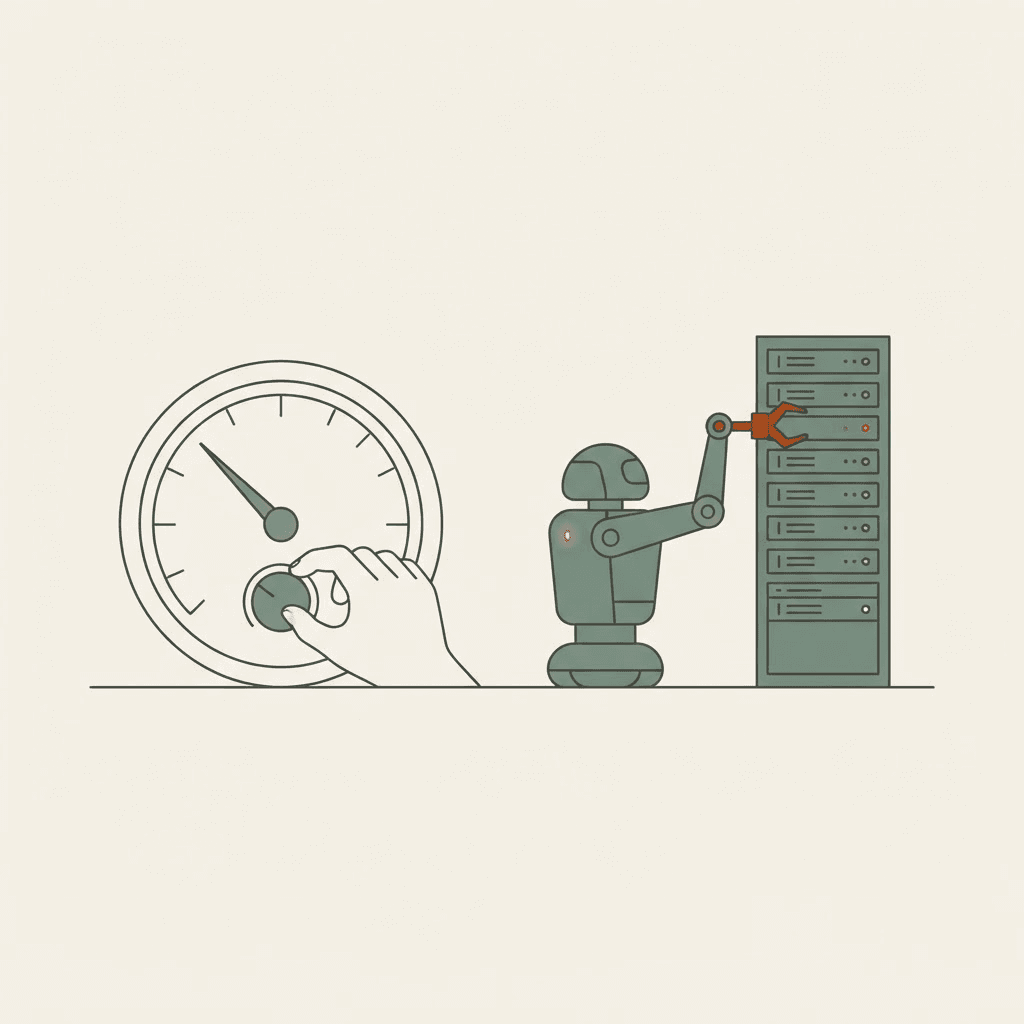
- Autonomy as a dial. Every environment gets a policy of Suggest, Recommend or Act. Dev and staging can run at Act, while critical production stays at Suggest or Recommend, and nothing executes without an approval the audit trail can show.
- "Keep production healthy," broken into jobs. Our Production Ops Agent splits that goal into Prevent, Resolve and Operate. It analyzes 15+ sources in parallel when something breaks, finds the root cause in under 5 minutes at 94% accuracy, shows the causal chain and stages a fix. The engineer reviews the evidence in Slack, Jira or ServiceNow and approves the change.
- Tokens spent once. Every model call is metered through the platform, and context is curated before it reaches the model, so agents stop paying to read the same raw logs on every run. That cuts token waste by roughly 90%, at roughly 10% of the cost of alternatives.
- Memory with receipts. Every investigation is recorded as institutional memory, holding conclusions, evidence and approved fixes with no bulk telemetry retention, so the next incident starts from what the team already learned.
The custom agents your team builds plug into the same center over MCP and inherit the same access controls, memory and approval gates.
What should engineering leaders ask before an always-on agent gets production access?
Enjoy your dot. Let it chase invoices, triage feedback and open pull requests. Engineering leaders should be able to answer four questions before any always-on agent gets near production:
- What are we spending on model tokens for operations work, and what did that spend resolve? Most teams hold a token invoice precise to the penny and an accomplishments list that doesn't map to it.
- How much engineering time goes into building and maintaining our own agents? Every DIY agent needs its own connectors to logs, metrics and tickets, its own guardrails, and someone to keep them working.
- How many of our tokens go to raw telemetry? An agent that pulls raw logs into a prompt pays for the same noise on every run.
- Who approved what our agents did last week?
The Agentic Reliability Center answers all four from one place: one metered bill for every model call, one set of integrations your agents share over MCP instead of a year of plumbing per team, and a receipt for every action showing the root cause, the evidence and the named approver. Token efficiency is the new engineering efficiency, and production is where it pays off first.
Sources: The Next Web: OpenAI launches dots, always-on AI agents with their own cloud computers · Runtime Wire: OpenAI launches Dots, always-on agents that work across connected apps · TechTarget: AI agent autonomy puts CIO controls to the test · Google Cloud: How Google SREs use Gemini CLI to solve real-world outages