Fable 5 Context Window: What a Larger Window Means for Ops
Understand what a Fable 5 context window is, why context limits matter for production operations, and how context engineering fills the gaps.


A Fable 5 context window is the maximum amount of text, measured in tokens, that Anthropic's Fable 5 model can consider at once when it reads a prompt and generates a response. Everything the model "knows" in a single request, the system instructions, the conversation so far, retrieved documents, logs, and code, has to fit inside that window. Once you understand that limit, a lot of the confusion around large language models in production operations starts to clear up.
This article explains what the context window is, why it matters for teams running real infrastructure, and why a bigger window alone does not solve the hard problems in production ops.
What is a context window in a large language model?
A context window is the working memory of a language model for a single request. Text gets broken into tokens, roughly word fragments, and the window defines how many of those tokens the model can process together. If the combined input and expected output exceed the window, something has to be dropped, summarized, or truncated before the model ever sees it.
A few practical points about context windows in general:
- Tokens, not words. A rough rule of thumb is that a token is about three quarters of a word in English, though this varies by content. Code, JSON, and log lines often tokenize less efficiently than prose.
- Input and output share the budget. The window covers both what you send in and what the model generates. A long prompt leaves less room for a long answer.
- Position matters. Models do not always weight every part of a long window equally. Information buried in the middle of a very large context can be attended to less reliably than information near the start or end, a pattern researchers often describe as a "lost in the middle" effect.
The context window is a hard ceiling. It is not the same thing as long-term memory or a knowledge base, and it resets with each new request unless you deliberately carry state forward.
What does the Fable 5 context window mean specifically?
Fable 5 is Anthropic's model referenced in our analysis of its role in production environments. For an up-to-date, authoritative number on the Fable 5 context window size, always consult Anthropic's own model documentation, since published limits change as models are revised. What matters more than the exact figure is what that window can and cannot do for an operations workflow.
A larger context window on any frontier model, Fable 5 included, generally means you can:
- Pass more source material in a single request, for example several related log excerpts, a runbook, and a configuration file together.
- Reduce the number of round trips needed to assemble background before asking a question.
- Keep more of a multi-step reasoning chain in view at once.
But a bigger window does not mean you can simply dump an entire production estate into a prompt and expect reliable answers. We explored the operational reality of this in our deep dive on Fable 5 and keeping production running. The short version: raw window size is a capacity spec, not an operations strategy.
Why doesn't a bigger context window solve production ops on its own?
Production environments generate far more signal than any context window can hold. A single incident can touch metrics, traces, logs, deployment history, config changes, and dependency graphs across dozens of services. The total volume dwarfs even the largest windows available today.
Several forces work against the "just make the window bigger" approach:
- Scale outruns capacity. Observability data in a busy environment is measured in gigabytes per minute. No context window is close to that scale, so something must decide what to include.
- Relevance beats volume. Filling a window with everything is not the same as filling it with the right things. Irrelevant tokens crowd out useful ones and can degrade answer quality.
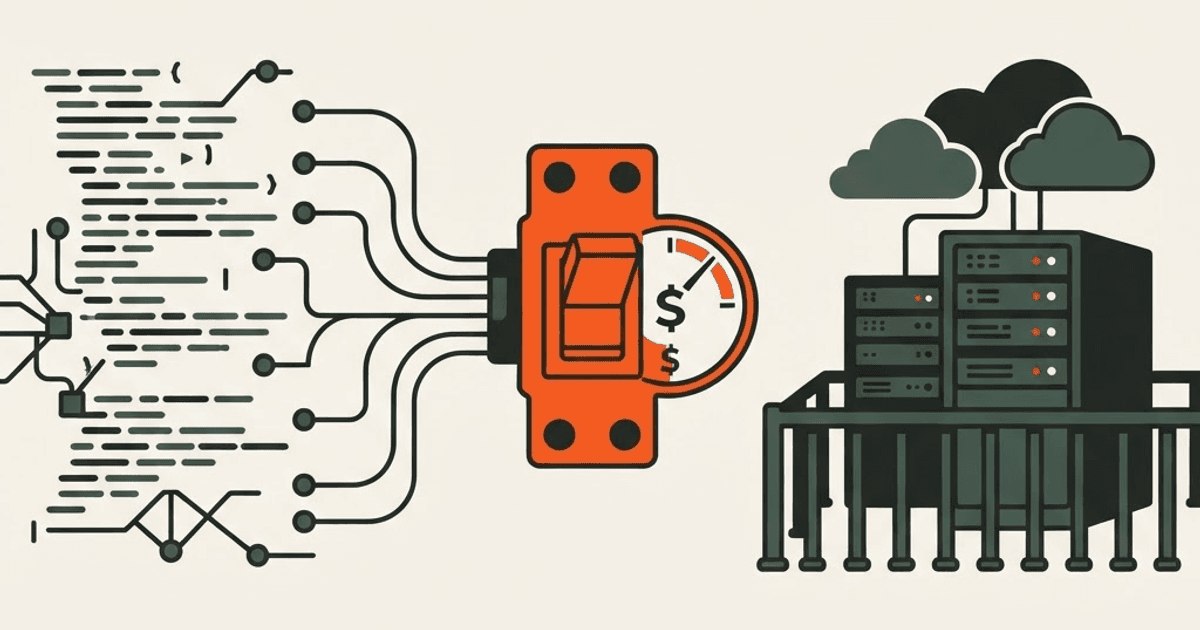
- Cost and latency rise with size. Larger contexts generally cost more and take longer to process. Sending a maximal window on every request is rarely economical or fast enough for on-call work.
- Freshness. A window is a snapshot. Production state changes second to second, so the question is not only what fits but what is current.
This is why the interesting engineering problem is not the window size itself. It is deciding, on every request, which slice of a vast, changing operational reality to place inside that finite window.
How does context engineering work around window limits?
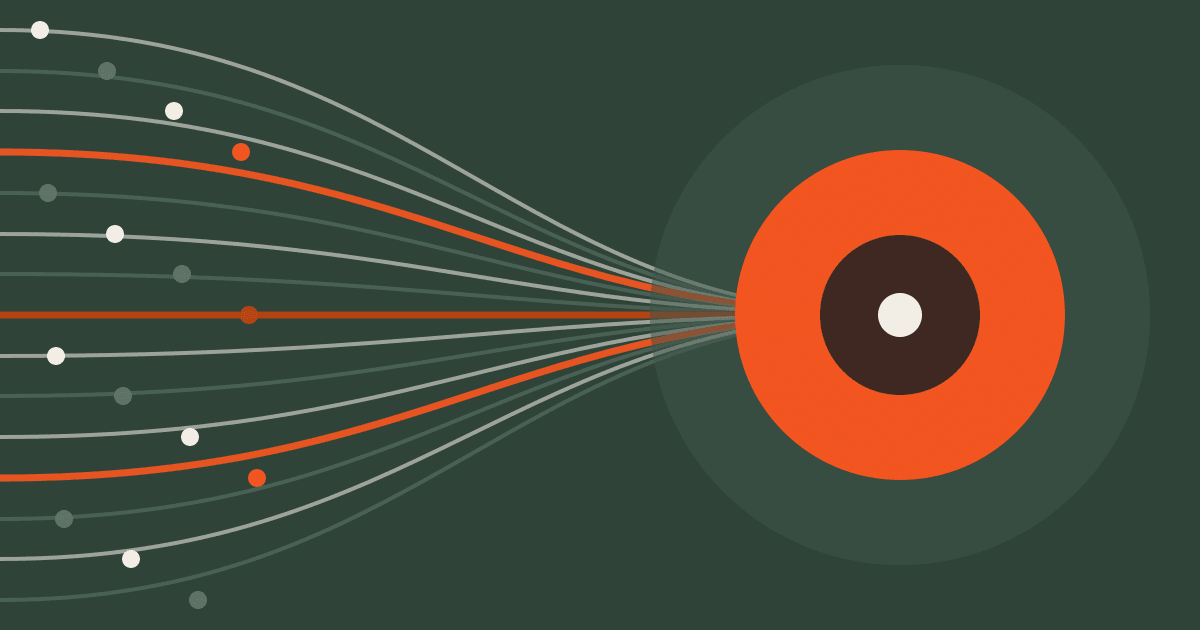
Context engineering is the discipline of selecting, structuring, and delivering the most relevant information into a model's limited window at the right moment. Rather than treating the context window as a bucket to fill, context engineering treats it as scarce, high-value real estate to allocate deliberately.
The core ideas include:
- Retrieval and ranking. Pull only the data most relevant to the current question, and rank it so the most important signals occupy the most reliable positions in the window.
- Summarization and compression. Condense long logs or histories into dense summaries that preserve meaning while spending fewer tokens.
- Structure. Format the context so the model can parse relationships, for example clearly labeling which log belongs to which service.
- Freshness. Assemble the context from current state at request time rather than relying on stale, pre-baked prompts.
We cover the practical side of this for large-scale monitoring data in Tackling Observability Scale with Context Engineering. Protocols also matter here: standards like the Model Context Protocol give agents a consistent way to reach the tools and data sources that feed the window, which we discuss in Enhancing Contextual Intelligence in AI Agents with MCP.
For a look at how these ideas come together into a dedicated component of an operations agent, see Context Engineering.
What should ops teams take away about context windows?
When you evaluate a model like Fable 5 for operational work, treat the context window as one specification among many, not the headline. A larger window is genuinely useful because it raises the ceiling on how much relevant material you can present at once. But the value comes from what you choose to put inside it.
The questions worth asking are:
- Can the system consistently identify the right data for a given incident, not just the most data?
- Is the context assembled from current state, or from something cached hours ago?
- Does the workflow keep cost and latency acceptable for real on-call use?
- Does the model still reason reliably when the window is nearly full?
Context window size sets the boundary of the playing field. Context engineering is how you actually win inside it.
Frequently asked questions
What is the Fable 5 context window?
The Fable 5 context window is the maximum number of tokens Anthropic's Fable 5 model can process in a single request, covering both the input you send and the output it generates. For the current published limit, refer to Anthropic's official model documentation, as these figures are updated as models evolve.
Is a larger context window always better for production operations?
Not on its own. A larger window raises the ceiling on how much you can include, but production data far exceeds any window, and filling it with low-relevance tokens can hurt answer quality while increasing cost and latency. Choosing the right context matters more than maximizing quantity.
What is the difference between a context window and long-term memory?
A context window is per-request working memory that resets each time unless you deliberately carry state forward. Long-term memory or a knowledge base persists across requests and is used to retrieve material that then gets placed into the window when relevant.
How does context engineering help with limited context windows?
Context engineering selects, compresses, structures, and freshens the most relevant data so it fits within a finite window at the right moment. Instead of dumping everything in, it allocates the window as scarce, high-value space, which is essential for the scale of production operations data.
Why can't I just paste all my logs into the prompt?
Production observability data is measured in gigabytes per minute, which vastly exceeds any context window. Even where large volumes fit, irrelevant content crowds out useful signals, raises cost and latency, and can be attended to less reliably when buried in a very large context.