Now Available: Hawkeye MCP Server
Hawkeye MCP Server now available for immediate download. AI-powered investigation integrated directly into Claude Code and Cursor for developers and SREs.

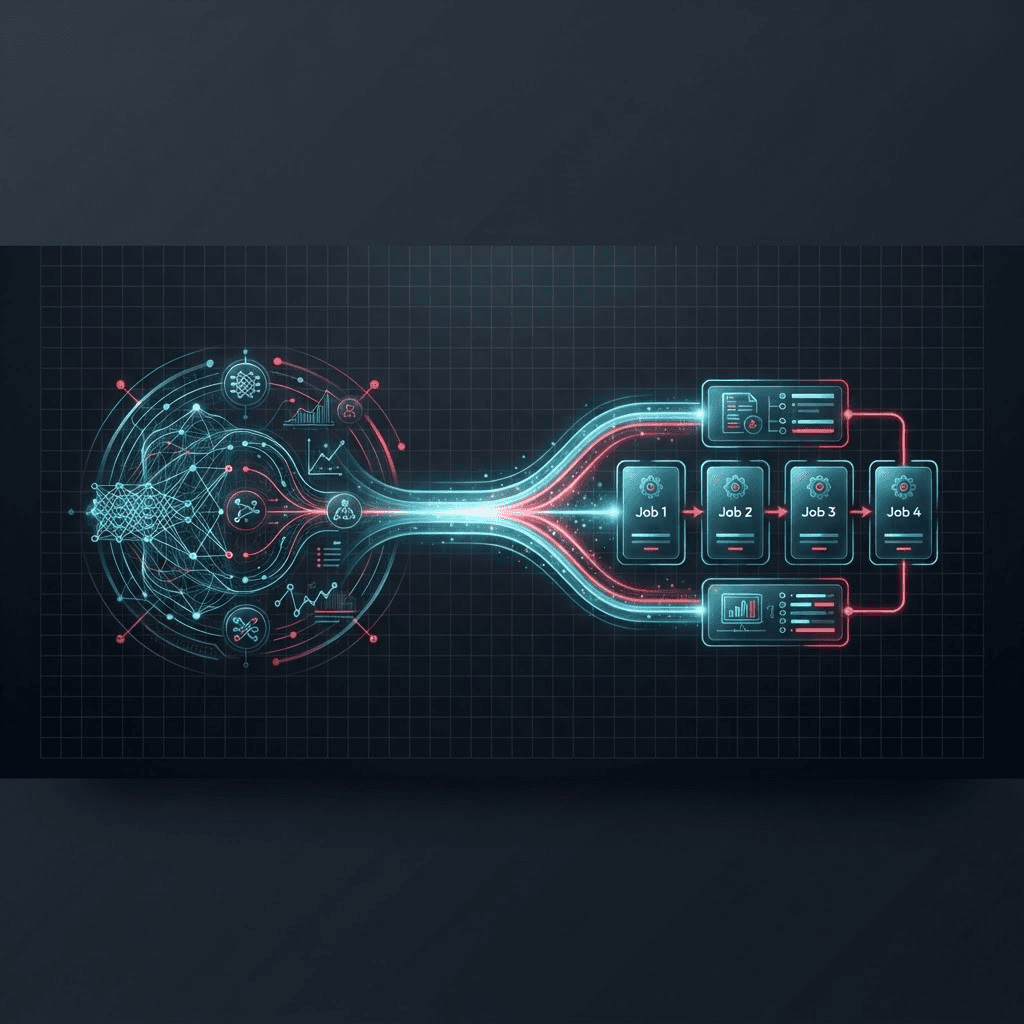
AI-Powered Investigation, Right Where You Work Hawkeye MCP Server is now available for immediate download and use. For our customers, this means a direct interaction with Hawkeye using natural language through tools like Claude Code and Cursor. We are all about saving your time, so if this already piqued your interest, you can get started here and skip the rest of the blog.
Streamlined for Developer and SRE Workflows
Our team at NeuBird AI is always looking for ways to enhance the workflow for developers and SREs. In the age of AI where every engineer is taking on increasing amounts of ownership across the application stack, we found it critical to meet them "in their backyard". Today, this translates to MCP clients like Claude Code, where ideas iterate quickly into working code and operational tasks execute seamlessly. By the time this code makes its way to production, it lives amongst many other disparate resources that live outside the typical "context bubble" – Kubernetes clusters, cloud services, observability platforms, and monitoring tools. When something breaks, engineers are forced to leave their development environment and navigate this sprawling landscape of production systems, often at the worst possible moment. That's why we built the Hawkeye MCP Server.
Bridging the Development-Production Gap
This disconnect between where you write code and where you debug has always been a source of friction. You are most productive in an IDE with AI assistance helping you ship features faster than ever. But when an alert fires, you are suddenly thrust into a different world, jumping between Datadog dashboards, AWS consoles, PagerDuty alerts, and Slack threads, trying to piece together what went wrong. The Hawkeye MCP Server eliminates this context switch. Now, the same AI assistant that helps you write code can investigate production incidents by leveraging Hawkeye, pulling in context from across your entire infrastructure.
More Than Just Coding: AI Assistants as Your Operations Companion
While the term "coding assistant" might suggest these tools are only for writing application code, SREs are discovering they're incredibly powerful for operational work. Claude Code and similar AI tools are natural orchestrators for the complex, multi-system workflows that define modern operations. Coding assistants are great for anybody who loves to work in a terminal. Need to check pod status across multiple Kubernetes clusters? Your AI assistant can run kubectl commands directly. Troubleshooting a failed deployment? It can interact with your CI/CD system, pull logs, and even kick off rollback procedures, all through natural language. The real power emerges when you combine these operational capabilities with Hawkeye. Imagine this: Hawkeye identifies the root cause of a production incident and recommends specific remediation steps. Instead of manually executing each step across different systems, you can ask your AI assistant to handle it. It can run the shell scripts, update configurations, restart services, and verify the fix, all while keeping you in the loop. This is why the Hawkeye MCP Server matters for SREs. It's not just about making Hawkeye accessible in your editor. It's about creating a unified operational environment where investigation and remediation happen in the same conversation, where your AI assistant becomes an extension of your SRE practice rather than just another tool in an already crowded toolbox.
Practical Capabilities for Real-World Incidents
The Hawkeye MCP Server provides 43 comprehensive tools that cover the entire incident lifecycle. During Active Incidents:
- List and prioritize uninvestigated alerts
- Launch autonomous investigations with a single command
- Get root cause analysis with corrective actions
- Provide Hawkeye with more context or ask follow up questions
- Run remediation steps on configured cloud providers
For Proactive Investigations:
- Create manual investigations for suspicious patterns
- Test "what-if" scenarios before deploying changes
- Build institutional knowledge from past outages
For Continuous Improvements:
- Track MTTR and time saved through automation
- Test new investigation instructions safely
- Compare investigation outcomes before and after code changes
Setting Up the MCP Server
We've designed the setup to be as frictionless as possible. 1. Install the hawkeye-mcp-server:
npm install -g hawkeye-mcp-server
2. Add your configuration to your MCP client (example for Claude Code):
{
  "mcpServer": {
    "hawkeye": {
      "command": "npx",
      "args": \["-y", "hawkeye-mcp-server"\],
      "env": {
        "HAWKEYE\_EMAIL": "your-email@company.com",
        "HAWKEYE\_PASSWORD": "your-password",
        "HAWKEYE\_BASE\_URL": "https://app.neubird.ai/api"
      }
    }
  }
}
3. Restart your MCP client and start investigating:
Available Today
The Hawkeye MCP Server is available now for all Hawkeye customers. Start by exploring our comprehensive getting started with Hawkeye MCP Server documentation, or see Hawkeye in action by booking a demo. For engineering teams tired of context-switching between building and debugging, between development and production, between shipping features and fighting fires: welcome to a more integrated way of working. Your AI assistant is no longer just for writing code. It's now your SRE partner together with Hawkeye in keeping that code running smoothly in production.